




Home›Blog›How to Test Names and Technical Terms in AI Meeting Translation
WorkplaceHow to Test Names and Technical Terms in AI Meeting Translation
Contents
- 1.Why Names and Technical Terms Break First
- 2.Build a Test Word List in Five Categories
- 3.Run a 30-Minute Name and Term Test
- 4.Score Each Result: Kept, Transliterated, Mistranslated, Missing
- 5.Common Failure Patterns and How to Fix Them
- 6.In-Meeting Habits That Protect Critical Words
- 7.Platform Translation, Human Interpreters and Utell AI
- 8.FAQ
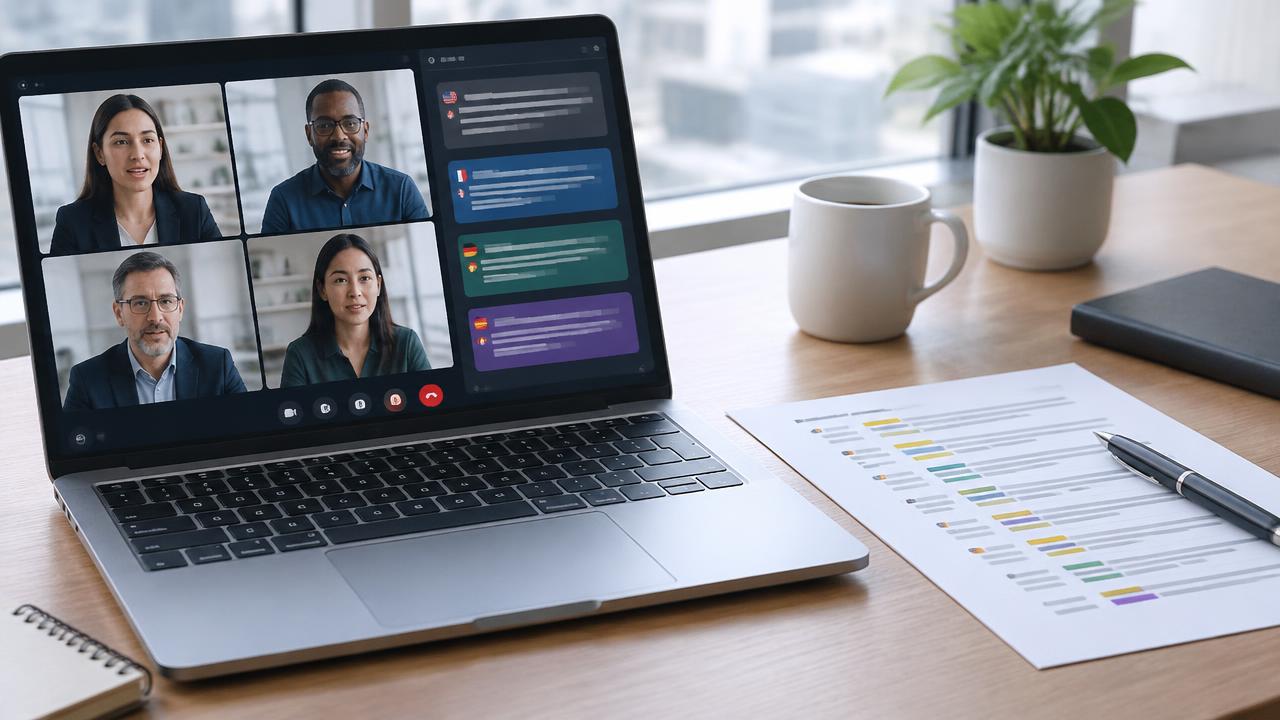
AI meeting translation usually handles ordinary sentences well. Where it breaks is the small set of words that carry the most weight: a client's surname, your product name, an acronym your team says fifty times a day, or a technical term with no everyday equivalent. One wrong name in a kickoff call can feel rude, and one mistranslated term in a technical review can send an engineer down the wrong path.
This guide shows you how to test names and technical terms before a real meeting. You will build a short test word list, run a 30-minute check with a colleague, score each result, and fix the failures you find. If you have not set up a two-person translation test yet, start with our two-person live translation setup for Zoom and come back here for the vocabulary-focused round.
Why Names and Technical Terms Break First
Most live meeting translation works in two stages. Speech recognition first turns your voice into text, and a translation model then turns that text into the target language. A proper noun can fail at either stage, and an error in the first stage cannot be fixed by the second.
- Recognition misses: an unfamiliar name such as "Nguyen" or "Szymanski" gets transcribed as a common word that sounds similar.
- Over-translation: a product name like "Apple Pay" or "Bloom" is translated literally instead of kept as is.
- Acronym confusion: "SLA", "ETL" or "RAG" may be expanded, spelled out wrongly, or dropped.
- Homophones: "cache" and "cash", or "sweet" and "suite", depend on context the model may not have.
- Accent and speed effects: a term that works when spoken slowly may fail at normal meeting pace.
Because these failures are word-specific, a general "the translation sounded fine" test will not catch them. You need to test the exact words your meeting depends on.
Build a Test Word List in Five Categories
Pick 20 to 30 words that will actually come up in your next meeting. Spread them across five categories so you see where the tool is weak, not just whether it is weak.
| Category | Examples | What usually goes wrong |
|---|---|---|
| People's names | Siobhan, Nguyen, Raghavendra, Joaquín | Transcribed as common words or split into two words |
| Company and product names | Salesforce, Notion, your own product | Translated literally or replaced with a generic noun |
| Acronyms | SLA, KPI, SSO, API, ETA | Dropped, expanded incorrectly, or read as a word |
| Industry terms | churn, latency, onboarding, escrow | Translated to a near-synonym that changes meaning |
| Numbers with units | 15 ms, 2.5 TB, Q3, version 4.1 | Units lost, decimals misread, quarters confused |
Add two or three words that are new to your team this month, such as a new feature name. New coinages are the words least likely to appear in a model's training data, so they are the most useful to test.
Run a 30-Minute Name and Term Test
You need one speaker, one listener who reads or hears the translated output, and a shared sheet for recording results. Use the same microphone, platform and settings you will use in the real meeting.
Step 1: Prepare a short script (5 minutes)
Write one natural sentence for each word, such as "Siobhan will send the SLA draft on Thursday." Context matters, because models translate sentences, not isolated tokens. Keep a second column with the word alone for comparison.
Step 2: Test each word alone and in a sentence (10 minutes)
Say each word on its own first, then read its sentence at your normal pace. The listener writes down exactly what appears or what they hear, including spelling. Do not correct anything yet.
Step 3: Change speed and speaker (5 minutes)
Repeat the sentences that passed, this time slightly faster, as you would in a real discussion. If your meeting has several speakers with different accents, let a second person read the same list. A term can pass for one voice and fail for another.
Step 4: Check the reverse direction (5 minutes)
Have the listener say five key terms in their language and confirm what reaches you in English. Two-way meetings fail in two directions, and teams often test only the outbound one.
Step 5: Record and sort (5 minutes)
Mark each result with one of the four scores in the next section, and note whether the failure happened in transcription or in translation if captions show both.
Score Each Result: Kept, Transliterated, Mistranslated, Missing
| Score | Meaning | Acceptable? |
|---|---|---|
| Kept | Name or term appears unchanged and correctly spelled | Yes |
| Transliterated | Rendered in the target script with the same sound | Usually yes for names, check for brand names |
| Mistranslated | Replaced with a different word or literal meaning | No, needs a fix |
| Missing | Dropped or replaced by filler | No, needs a fix |
A practical bar for most business meetings is that every person's name and every number is either kept or transliterated, and no more than one or two industry terms per list need a workaround. For legal, medical or financial decisions, the bar should be zero failures on critical terms, which in practice often means a human interpreter.
Common Failure Patterns and How to Fix Them
| What you see | Likely cause | Fix |
|---|---|---|
| Name turns into a common word | Recognition does not know the name | Add it to the tool's custom vocabulary or glossary if offered; spell it on first mention |
| Product name translated literally | Model treats it as a normal noun | Add a "do not translate" glossary entry; say "our product, Bloom" for context |
| Acronym disappears | Spoken too fast or unfamiliar | Say the full term once, then the acronym; paste both in chat |
| Decimal or unit lost | Number spoken as one run | Group and pause: "two point five, terabytes" |
| Works slowly, fails at pace | Audio clarity drops in fast speech | Improve mic and noise conditions; slow down on key terms only |
Not every platform offers a custom glossary, so check your tool's settings rather than assuming. Where no glossary exists, the habits in the next section matter more. For more general accuracy tips, see our guide to improving video call translation accuracy.
In-Meeting Habits That Protect Critical Words
- Spell on first mention. "This is Siobhan, S-I-O-B-H-A-N." It takes four seconds and anchors the name for everyone.
- Put key terms in the chat. Paste the agenda's names, acronyms and figures at the start so listeners can match audio to text.
- Show it on screen. A slide with the product name and version number backs up whatever the translation produces.
- Read back decisions. End each topic with "So: Raghavendra owns the SSO fix, due Q3." The listener confirms in their own words.
- Pause before critical words. A short gap before a name or number gives recognition a cleaner start.
The goal is not a translation tool that never misses. It is a meeting where a miss is caught within seconds.
The same principle applies when accent rather than language is the barrier; our article on whether accent conversion preserves names, numbers and prices covers that side.
Platform Translation, Human Interpreters and Utell AI
Built-in translated captions in tools like Zoom, Google Meet or Teams are convenient because everyone already has them, and some plans allow language settings per participant. Their vocabulary handling varies by plan and language pair, so test them with your list rather than relying on general reviews.
Human interpreters remain the strongest option for names and specialist terms. A good interpreter asks for a glossary in advance, learns pronunciations, and corrects mistakes on the spot. For contract negotiations, medical consultations or board meetings, that judgment is worth the cost and scheduling effort.
Utell AI works on your own voice in real time, with accent conversion, noise reduction and live translation for supported languages. Clearer, cleaner input can help recognition catch names and terms more often, but it does not guarantee perfect translation, and the spelling and read-back habits above still apply. Run it through the same 30-minute test before an important call.
Try Utell AI before your next translated meeting
FAQ
How many words should a translation test list include?
Twenty to thirty words is enough for most meetings. Fewer than ten rarely shows patterns, and more than forty makes the session tiring and less accurate. Focus on words that will genuinely appear in the next call, and refresh the list whenever new people, clients or features join the conversation.
Should names be translated or kept in the original form?
Personal names should generally stay in their original form or be transliterated into the listener's script with the same sound. A literal translation of a name's meaning is almost always wrong. Company and product names should stay exactly as the brand writes them, unless the brand uses an official local name.
How often should I repeat this test?
Repeat it when you change tool, plan, microphone or language pair, and before high-stakes meetings with new participants. Translation models are updated without notice, so a term that failed three months ago may now pass, and the reverse can also happen. A quick ten-word recheck is usually enough.
Can I rely on AI translation for legal or medical meetings?
Treat AI translation as a support tool in those settings, not the final record. Errors in a dosage, clause or name can have serious consequences. Use a qualified interpreter where accuracy is required, and keep AI captions as a backup or a note-taking aid that participants can check afterward.

Sound clearer on your next call
Utell AI converts your accent and cleans up background noise in real time.


