





Home›Blog›Accent Changer for Cold Calls: Win the First Line
WorkplaceAccent Changer for Cold Calls: Win the First Line
Contents

A cold call gives you one sentence. If the prospect has to replay that sentence in their head to work out what you said, you have already spent the goodwill you needed for the next thirty seconds. Accent is not the problem in itself, but on a compressed phone line, with no face, no context, and no patience, an unfamiliar accent adds processing cost at the exact moment you can least afford it. An accent changer for cold calls attacks that cost directly: it keeps your words, your pitch, and your intent, and reduces the effort the listener spends decoding them.
This guide breaks down where cold calls actually break, compares four ways teams try to fix it, and explains what real-time accent conversion does and does not solve.
Why the first sentence decides the cold call
Outbound calls fail early. Most prospects decide whether to stay on the line during the opener, not during the pitch. Three things stack against a non-native speaker in those seconds.
- No visual channel. On a phone call there are no lips, no gestures, and no whiteboard. Listeners lose the redundancy they normally use to repair a missed word.
- Narrowband audio. Traditional telephony carries roughly 300–3400 Hz, which clips the high-frequency energy that separates consonants such as /s/, /f/, and /th/. Accent differences that are invisible in a quiet room become audible on a PSTN leg.
- Zero context. The prospect did not expect the call, does not know your company, and cannot predict your vocabulary. Prediction is what makes accented speech easy to follow; a cold call removes it.
Research on processing fluency shows that statements which are easier to perceive are judged as more truthful and more likable, independent of content. A study in Frontiers in Computer Science also found that listeners rated identical information as more credible when delivered in a familiar accent. In a cold call, credibility is the product you are selling in the first ten seconds.
The practical takeaway: you are not being judged on grammar or vocabulary. You are being judged on how much work the listener has to do.
Where the cost shows up in your numbers
Clarity problems rarely appear as a line item. They hide inside metrics sales leaders already track.
- Connect-to-conversation rate drops when prospects hang up during the opener rather than after the value statement.
- Repeat requests ("sorry, who is this?", "can you say that again?") burn 5–15 seconds each and reset your framing.
- Talk-time ratio skews wrong: you spend turns repeating instead of asking discovery questions.
- Callback rate falls when the prospect cannot confidently repeat your company name to a colleague.
Four ways teams try to fix cold-call clarity
1. Accent reduction coaching
Live or recorded coaching retrains articulation, stress, and intonation. It is the only option that changes your unassisted speech, which matters for in-person meetings and conferences. The trade-off is time: meaningful change usually takes months of daily practice, and progress is uneven under stress. A rep with a quota this quarter cannot wait two quarters.
2. Noise suppression tools
Tools such as Krisp remove background noise and echo. This is genuinely useful for home-office reps with traffic, family, or keyboard noise, and it does lift intelligibility on a bad line. But noise suppression works on everything that is not your voice. It does not touch vowel quality, consonant precision, or rhythm, so a prospect who struggled with your accent in a silent room will struggle in the same way after suppression. For a deeper look, see our Krisp noise suppression review and alternative.
3. Scripts, slow speech, and spelling
Free and immediate: shorten sentences, front-load the company name, spell it once, slow down by roughly 10 percent. This genuinely helps and every outbound team should do it. The limit is that slowing down on a cold call reads as hesitancy, and scripts cannot save you during objection handling, when you leave the page and speech speeds up again.
4. Real-time accent conversion
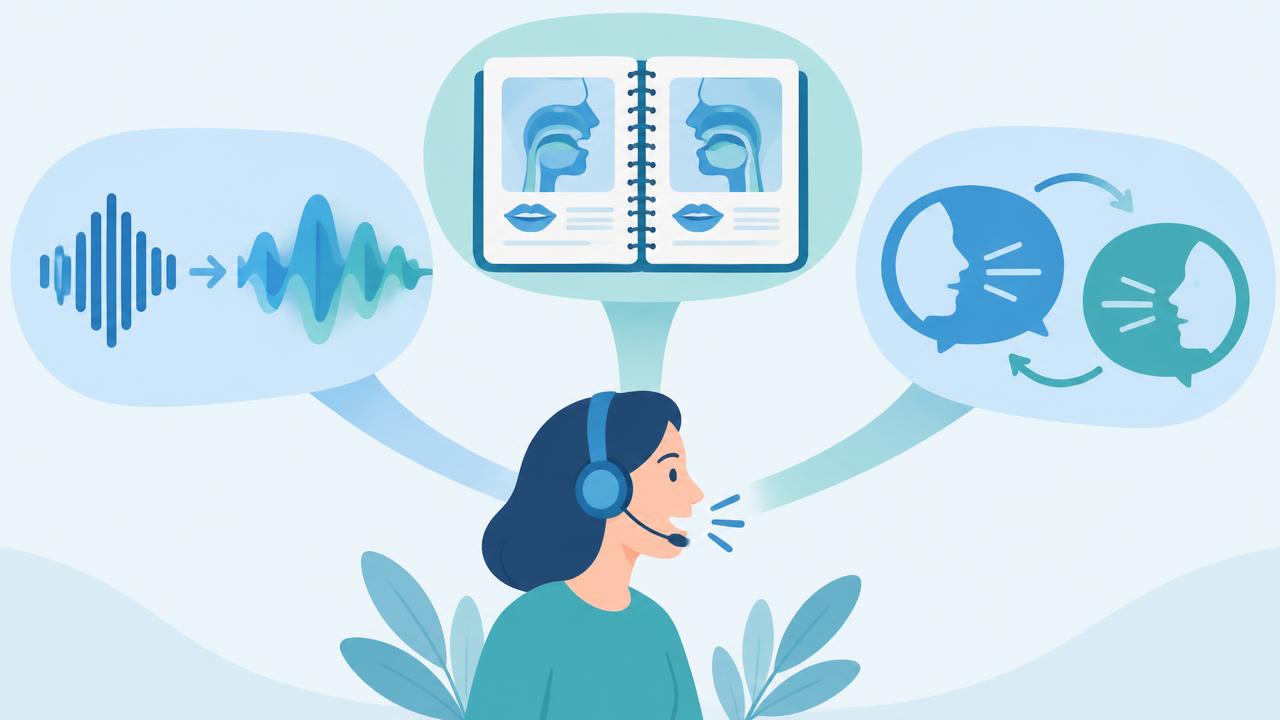
An accent changer processes your voice as you speak and outputs clearer, more neutral English into the call. You keep your wording, your timing, and your own decisions; the listener receives audio that costs less to decode. It works from the first call, not the fiftieth practice session, which is why it fits outbound work specifically.
Comparison: what each option actually fixes
| Option | Fixes accent clarity | Fixes background noise | Time to results | Works during objections | Best for |
|---|---|---|---|---|---|
| Accent coaching | Yes, permanently | No | 3–12 months | Only after mastery | Long-term career investment |
| Noise suppression (e.g. Krisp) | No | Yes | Immediate | Yes | Noisy home offices |
| Scripts and pacing | Partially | No | Immediate | No | Openers and voicemails |
| Utell AI accent conversion | Yes, on the live call | Yes (built-in noise cancellation) | Immediate | Yes | Daily outbound calling |
These categories are not mutually exclusive. The strongest setup we see in outbound teams is accent conversion running on every call, plus a scripted opener, plus coaching for reps who want the unassisted skill as well.
What Utell AI does on a cold call
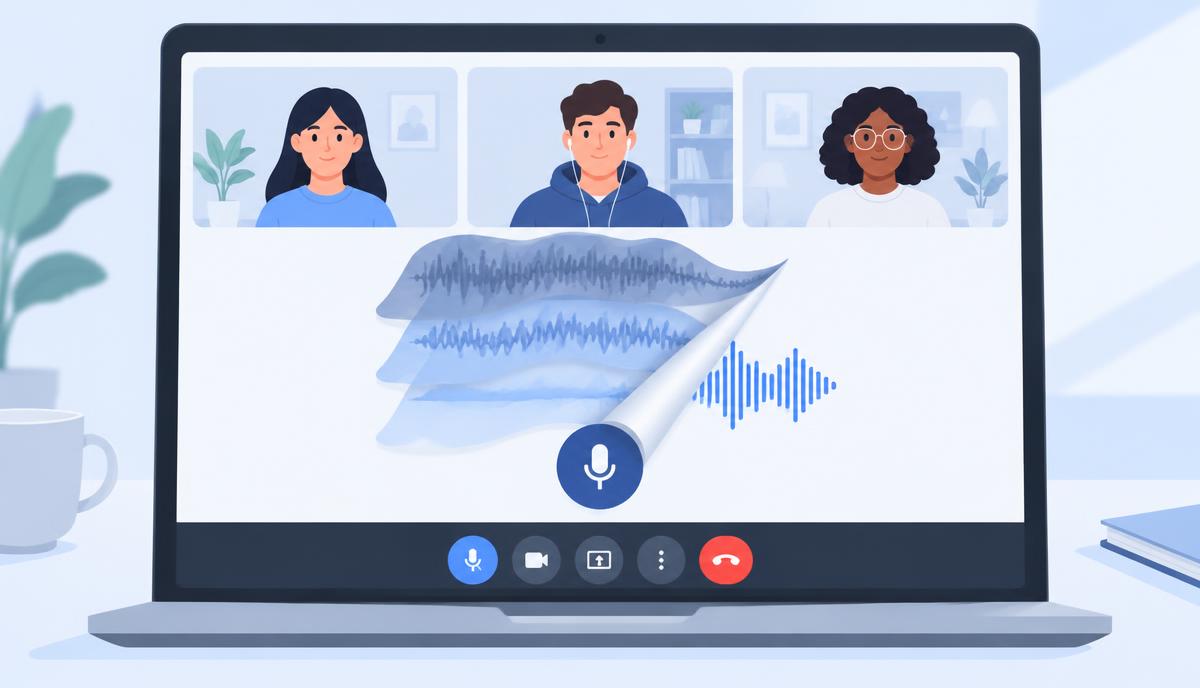
Utell AI is a real-time voice layer that sits between your microphone and your dialer. As of August 2026 it covers four capabilities that map onto the cold-call problem.
- Real-time accent conversion softens and neutralizes pronunciation while you speak, so the opener lands on the first attempt.
- Noise cancellation removes room noise and keyboard clatter, which matters because most outbound reps now dial from home.
- Sound quality enhancement improves the signal your dialer compresses, recovering some of the consonant detail narrowband audio strips out.
- Natural voice preservation keeps your own timbre and delivery, so the call still sounds like a person rather than a synthetic agent.
Because it runs as a virtual microphone, it works with the softphone or dialer you already use. Nothing changes in your CRM workflow, and nothing changes in your script.
What it does not do
Being precise here protects your calls. Utell AI does not write your pitch, does not translate your call into another language as a finished dub, and does not remove every possible background sound in a genuinely loud environment. It also does not replace learning English. It reduces decoding cost; the persuasion is still yours.
A two-week test that produces real evidence
Do not judge this by vibes. Outbound gives you enough volume to measure clarity properly in ten working days.
- Days 1–5, baseline. Dial as normal. Log three numbers per call: seconds until the prospect first responds substantively, number of repeat requests, and whether they used your company name back to you.
- Day 5, calibrate. Record a 30-second opener with and without conversion on the same headset. Listen on a phone speaker, not headphones, because that is how prospects hear you.
- Days 6–10, treatment. Same list quality, same script, conversion on. Log the same three numbers.
- Day 10, compare. Look at repeat requests first. That metric moves fastest and is the cleanest proxy for listener effort.
Keep the script constant across both weeks. If you change the opener and the audio at the same time, you learn nothing about either.
Habits that compound with an accent changer
- Say your company name twice in the first fifteen seconds, once slowly.
- Cut the opener to one clause. Long sentences amplify any remaining clarity gap.
- Use a wired headset with a boom mic; the cleaner your input, the better the output.
- Ask "does that make sense so far?" once, early. It converts silent confusion into a question you can answer.
Reps who want the underlying skill as well should pair this with deliberate practice. Our guide on how to break through accent barriers at work covers that side, and the accent changer for freelancers piece looks at the same tooling in client-facing solo work. More outbound-focused material sits in the Workplace category.
Try Utell AI free on your next call block and measure the repeat-request count yourself.
FAQ
Does an accent changer make cold calls sound robotic?
It should not. Utell AI converts pronunciation while preserving your own voice characteristics and delivery, so pauses, emphasis, and personality survive. The risk of a robotic result comes mainly from poor input audio: a laptop mic in a reverberant room gives the processor less to work with. A wired boom-mic headset and a carpeted or curtained room solve most of it.
Is it legal and ethical to use an accent changer on sales calls?
Yes. You are speaking your own words in your own language, and the tool changes clarity, not identity or content. It is comparable to noise suppression or a better microphone. Where it would cross a line is impersonation: claiming to be a different person, a different company, or calling from a location you are not in. Those are dishonest regardless of audio tooling.
How is this different from Krisp or built-in dialer noise reduction?
Noise suppression decides what is voice and what is not, then removes the rest. It never modifies the voice itself. Accent conversion modifies the pronunciation inside the voice. If prospects ask you to repeat yourself in a completely silent room, noise suppression will not help; accent conversion targets exactly that case. Utell AI includes noise cancellation as well, so you are not choosing one or the other.
Will using an accent changer stop me from improving my English?
Only if you treat it as a substitute for practice. It changes the output your prospect hears, not the speech you produce unassisted. Many reps use it to keep hitting quota while they work through coaching over the following months. A useful routine is to record one converted call and one unconverted call each week and compare them, which gives you a concrete target for practice.

Sound clearer on your next call
Utell AI converts your accent and cleans up background noise in real time.


