

Home›Blog›How to Record a Clear Voice Sample for an Accent Test
Pronunciation SkillsHow to Record a Clear Voice Sample for an Accent Test
Contents
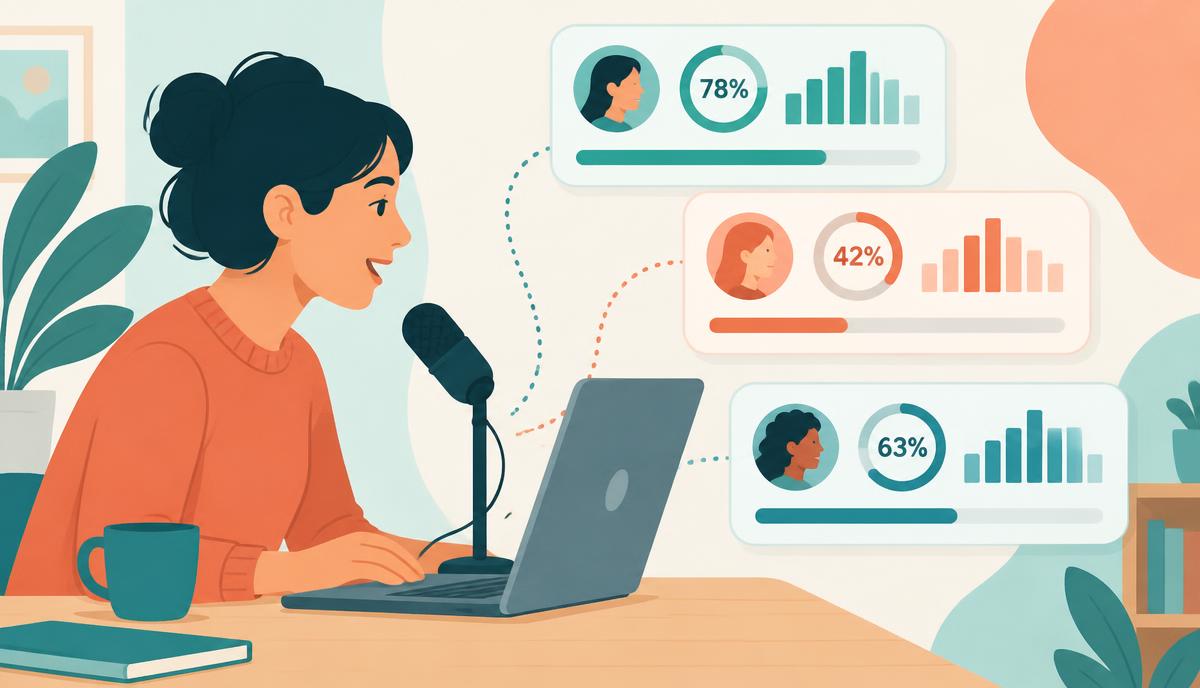
An accent test can only describe the recording you give it. A ten-second clip recorded on a laptop in a busy kitchen will produce a different reading from a one-minute sample recorded on a headset in a quiet room, even though your accent has not changed at all. If you want a result you can trust, and compare later, the recording matters more than the tool.
This guide shows how to record a clear voice sample for an accent test on a phone or a computer, which mistakes cause unstable results, and how to retry without chasing a "better score." It also covers what you should not upload, because a voice recording is personal data.
Why Sample Quality Changes the Reading
Accent detectors and human listeners both rely on fine detail: how long a vowel lasts, whether a final t is released, how pitch rises and falls across a sentence. Noise, echo and distortion hide exactly those details. When detail is missing, an AI model falls back on broad patterns such as rhythm, and the label it chooses becomes less specific and less stable.
Three properties matter most:
- Length: more speech means more vowels, consonants and stress patterns to compare.
- Clarity: your voice should be clearly louder than anything else in the room.
- Consistency: the same setup each time, so differences come from you, not the equipment.
We explain the tool side of this in why an AI accent detector gives different results. This article focuses on the part you control: the recording.
Phone vs Desktop Setup
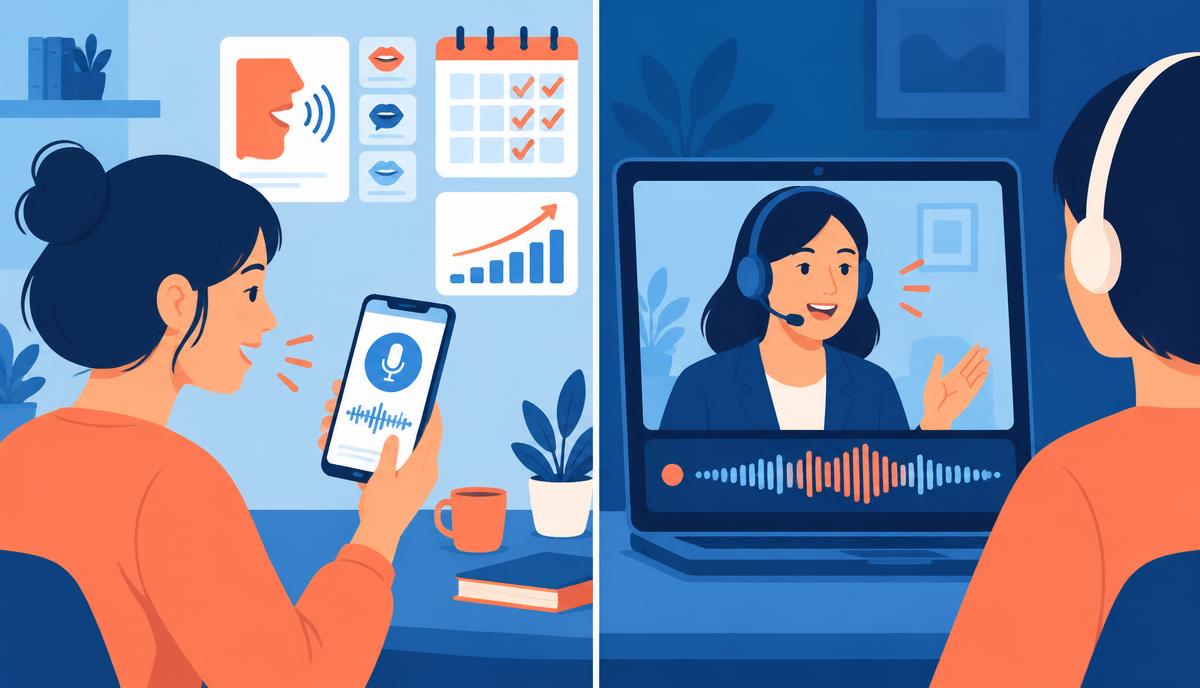
Both can work well. What matters is choosing one setup and sticking with it.
| Setup | Strengths | Watch out for | How to set it up |
|---|---|---|---|
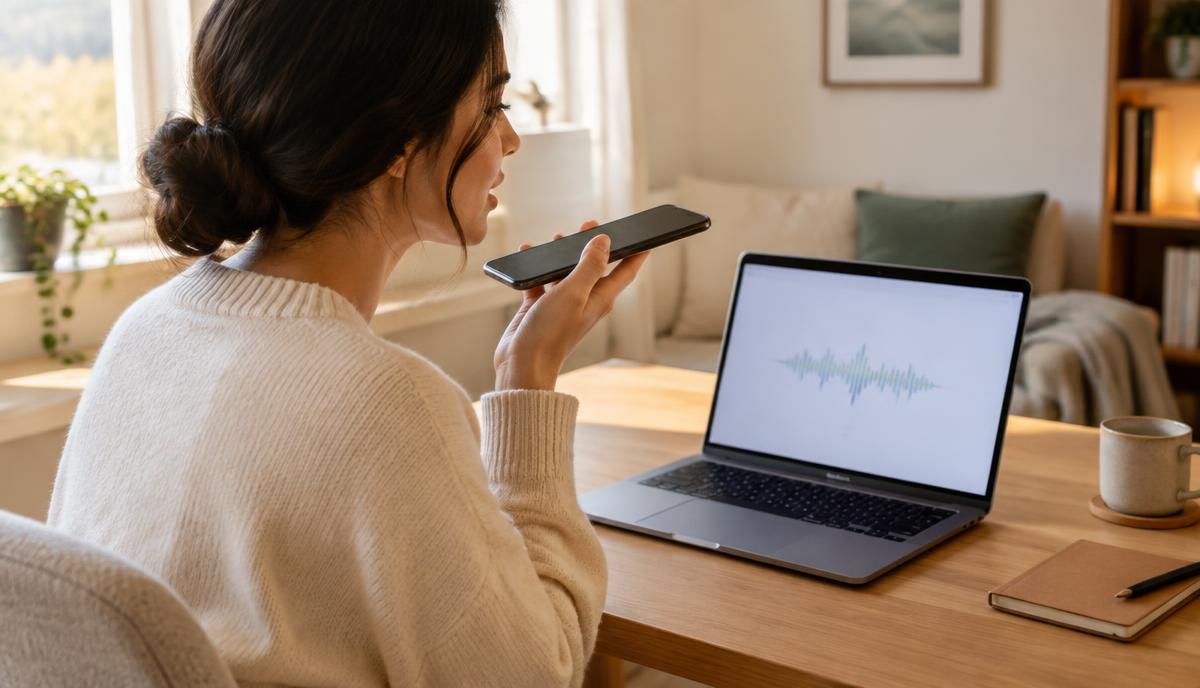
| Phone voice memo app | Good built-in microphones; easy to repeat | Automatic processing can thin consonants; holding the phone changes distance | Rest the phone on a table, microphone end about 15–20 cm from your mouth |
| Wired headset on a computer | Fixed microphone distance; low room echo | Breath pops if the mic sits right in front of your lips | Place the mic slightly to the side, two finger-widths from the corner of your mouth |
| Laptop built-in microphone | No extra gear | Picks up fans, typing and room echo | Use only in a small, quiet room with soft furnishings; avoid typing |
| Bluetooth headset | Convenient | Call mode compresses audio heavily | Avoid for accent tests if a wired option exists |
Settings to check before you record
- Turn off extra noise suppression or "voice isolation" effects in your operating system or meeting app for the test, so the tool hears your natural voice.
- If your recorder offers a format choice, pick a standard quality setting rather than the smallest file size.
- Silence notifications so alert sounds do not land on top of your speech.
A Short Recording Checklist
Run through this list each time. It takes about five minutes.
- Choose the room: a small room with curtains, a bed or a sofa absorbs echo better than a kitchen or empty office.
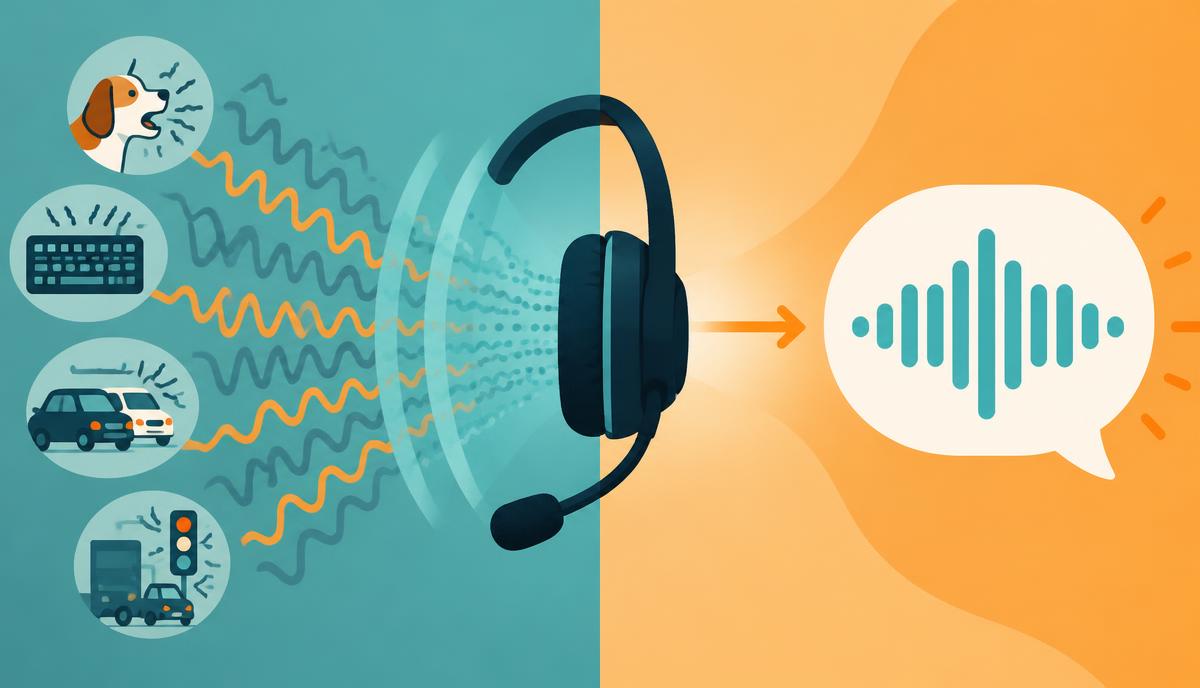
- Remove steady noise: switch off fans, heaters and the TV. Close the window.
- Set the distance: same distance every time, using the guide in the table above.
- Test the level: record five seconds and play it back. Your voice should be clear and full, without crackle on loud words.
- Warm up: talk normally for one or two minutes before recording, so your first words are not stiff.
- Record two samples: about 45 seconds of reading and 60 seconds of free speech, such as describing your job to a new colleague.
- Listen back once: check that the whole clip is audible, then stop judging it.
- Note the setup: write down the device, room and time of day so you can repeat it.
For the reading portion, the passage and word pairs in our voice test guide for finding your English accent work well, and the five accent test words make a useful short add-on.
A quick example: Ana recorded on her laptop in a café and got a different label on each of three tries. She moved to her bedroom, used wired earbuds and recorded a full minute. Her next two runs matched closely, which told her the earlier swings came from the café, not her voice.
Common Failures and How to Fix Them
| Failure | What it sounds like | Effect on the result | Fix |
|---|---|---|---|
| Too short | One sentence, under 15 seconds | Too few features; labels jump between runs | Record at least 45 seconds of continuous speech |
| Too noisy | Hum, traffic, voices in the background | Consonants masked; tool guesses from rhythm | Move rooms or remove the noise source |
| Clipped | Crackle or harsh distortion on loud words | Lost detail on stressed syllables | Move the microphone back or lower the input level |
| Wrong language | Mixing in another language or reading names only | Tool compares the wrong patterns | Speak English only for the full sample |
| Performed accent | Imitating a "standard" voice | Result describes the imitation, not you | Speak as you would to a colleague |
| Echo | Hollow, distant sound | Vowels blur together | Add soft furnishings or move closer to the mic |
How to Retry Without Chasing a "Better Score"
It is tempting to keep recording until a tool shows the label you hoped for. That defeats the purpose. An accent test is not graded, and the label is not a score. Repeating until you get a preferred answer only tells you which recording conditions push the model in that direction.
A fair retry follows three rules:
- Change one thing at a time. If you swap device and room together, you will not know which change mattered.
- Retry for a reason. Only re-record if the sample failed one of the checks above.
- Stop at two agreeing runs. If two clean recordings give similar results, you have a stable reading. Further tests add little.
The goal of a clean sample is a stable description of how you speak, not a result you like.
Privacy and What You Should Not Upload
Your voice is personal data, and some services may keep recordings to improve their models. Before uploading, read the tool's privacy policy for how long audio is stored and whether it is used for training.
- Do not record passwords, account numbers, addresses or ID numbers as test material.
- Do not upload recordings of customers, colleagues or family without their clear consent.
- Do not use confidential work content such as client names or internal product plans.
- Prefer a neutral reading passage and a general topic for free speech.
If a tool does not explain how it handles audio, choose another one or use a self-test instead.
What to Do After You Have a Stable Sample
Once you have a clean recording and a consistent result, decide what you actually want to learn or change.
- Read the result carefully. Look at the top labels and confidence, not just the winner. Our guide to reading an accent test explains that an accent label is not a proficiency score.
- Pick one or two sounds that change meaning, such as final consonants or number stress, and practice those.
- Keep the file. Re-record with the same setup in four to six weeks to hear real change.
- Separate testing from live calls. If your main concern is being understood on calls today, a call setup issue or live support may matter more than more testing.
Utell AI includes Accent Oracle, an accent analysis feature that follows the same rules: a longer, cleaner sample gives a steadier reading, and the output is a guide rather than a verdict. Utell AI also offers real-time accent conversion and noise cancellation for calls. It does not teach pronunciation, and it cannot remove every background sound, so a good recording setup still matters. If you want to try it, you can start with Utell AI. The wider question of what AI can infer from voice is covered in can AI really tell where your accent comes from.
FAQ
How long should a voice sample for an accent test be?
Aim for about 45 seconds of reading plus around 60 seconds of free speech. Short clips of one sentence rarely contain enough vowels, consonants and stress patterns for a stable reading. If a tool limits upload length, use its maximum and keep the content continuous rather than a list of single words.
Is a phone good enough to record an accent test?
Usually, yes. Modern phone microphones capture speech well. The bigger risks are holding the phone at changing distances and background noise. Rest the phone on a table, keep the same distance each time, and record in a quiet room with soft furnishings to reduce echo.
Should I read a script or speak freely?
Do both, and keep them as separate samples. Reading gives a controlled comparison between sessions, while free speech shows the habits you use in real conversation. Comparing a reading sample from one day with a free-speech sample from another will make results look less consistent than they are.
Can I delete my recording after testing?
That depends on the service. Check its privacy policy or account settings for an option to delete uploaded audio, and note how long files are kept by default. If deletion is not offered or explained, avoid uploading anything personal and consider a self-test with recordings you keep on your own device.

Sound clearer on your next call
Utell AI converts your accent and cleans up background noise in real time.


