




Home›Blog›Top AI Live Audio Translation Microphones for Business Meetings
WorkplaceTop AI Live Audio Translation Microphones for Business Meetings
Contents
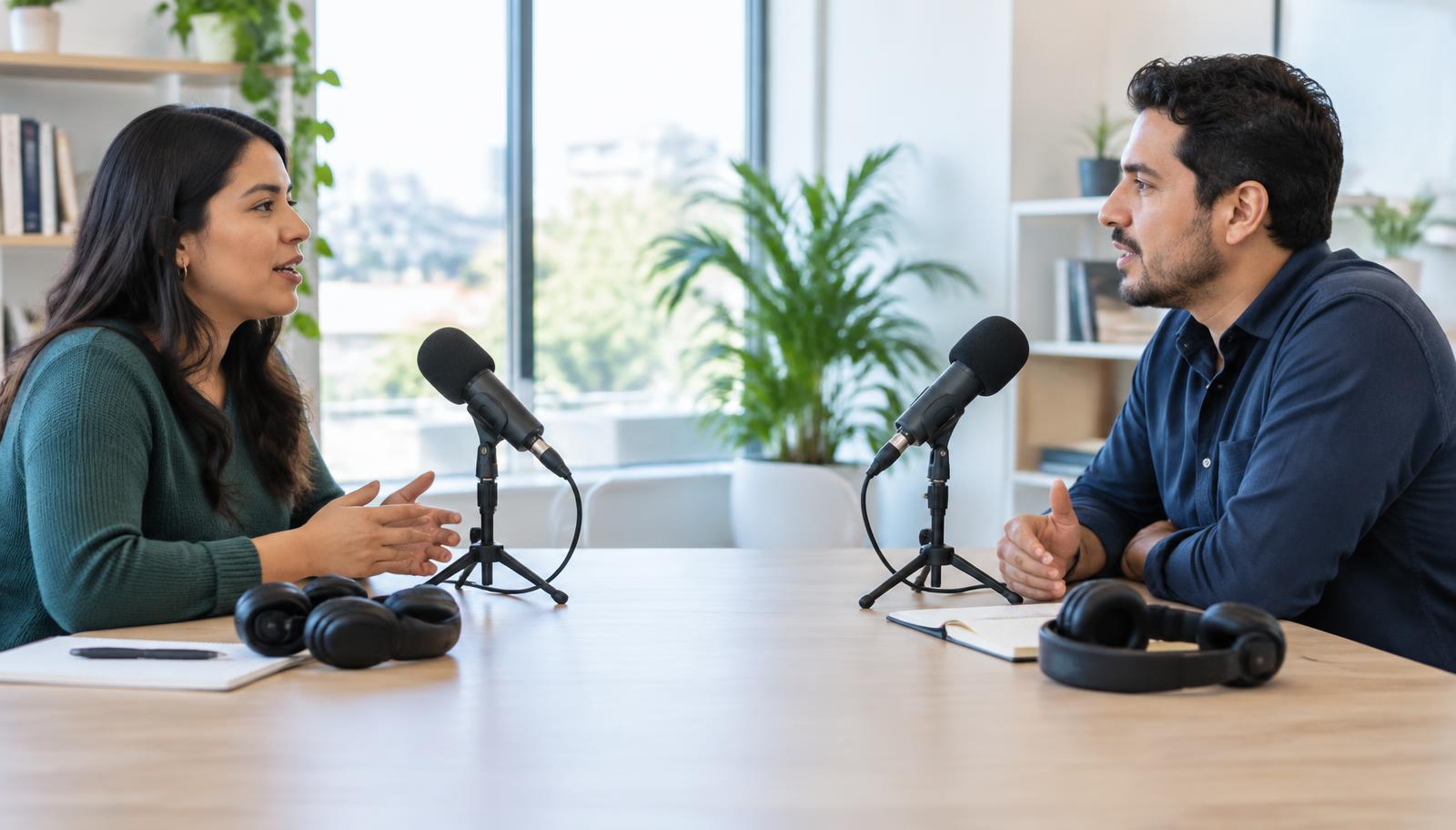
You want the best ai live audio translation microphone for your business meetings. Fast and correct translation helps you talk with coworkers who speak other languages. Real-time talking removes problems and helps everyone understand. When you pick a device, look for these things:
- Supported languages
- Accuracy
- Latency
- Connectivity
- Compatibility
- Price
These features help you choose a microphone that works for you and helps your team work better.
- Best AI Live Audio Translation Microphones
- What Is an AI Live Audio Translation Microphone?
- Real-Time Communication Benefits
- Top Microphones Reviewed
- Choosing the Right Microphone for Business Meetings
- FAQs
Best AI Live Audio Translation Microphones
Top Picks Overview
You want your business meetings to go well. The right ai live audio translation microphone can help you. Here are some top choices you should know:
- Transync AI: Fast translation and clear sound.
- Vasco V4: Easy to carry and simple to use.
- Timekettle WT2 Edge/W3: Good for group talks.
- Interprefy AI: Works well for big meetings.
- DeepL Voice: Very accurate and supports many languages.
- JotMe: Easy to set up and quick translation.
- Wordly AI: Great for live events and conferences.
These ai live translation microphones give real-time translation. They are accurate and support many languages. You can use them in person or on virtual calls. They help you talk to people who speak other languages. Everyone can understand and work together.
Tip: Most top microphones work with popular languages like Chinese, Japanese, Korean, and Spanish. Here is a quick list:
| Language |
|---|
| Chinese |
| Japanese |
| Korean |
| Spanish |
| … |
Selection Criteria
When you pick a microphone, look at some important things. First, check how many languages it supports. Next, see if the translation is correct. You want low latency so it works fast. Make sure it connects easily to your devices. Price is important, so choose one that fits your budget. If you need it for big meetings, pick microphones that work well in large rooms or with many people.
These products are great because they use smart ai technology and are easy to use. You get fast translation, clear sound, and strong compatibility. This helps your meetings go better and your team work well together.
What Is an AI Live Audio Translation Microphone?
Technology Explained
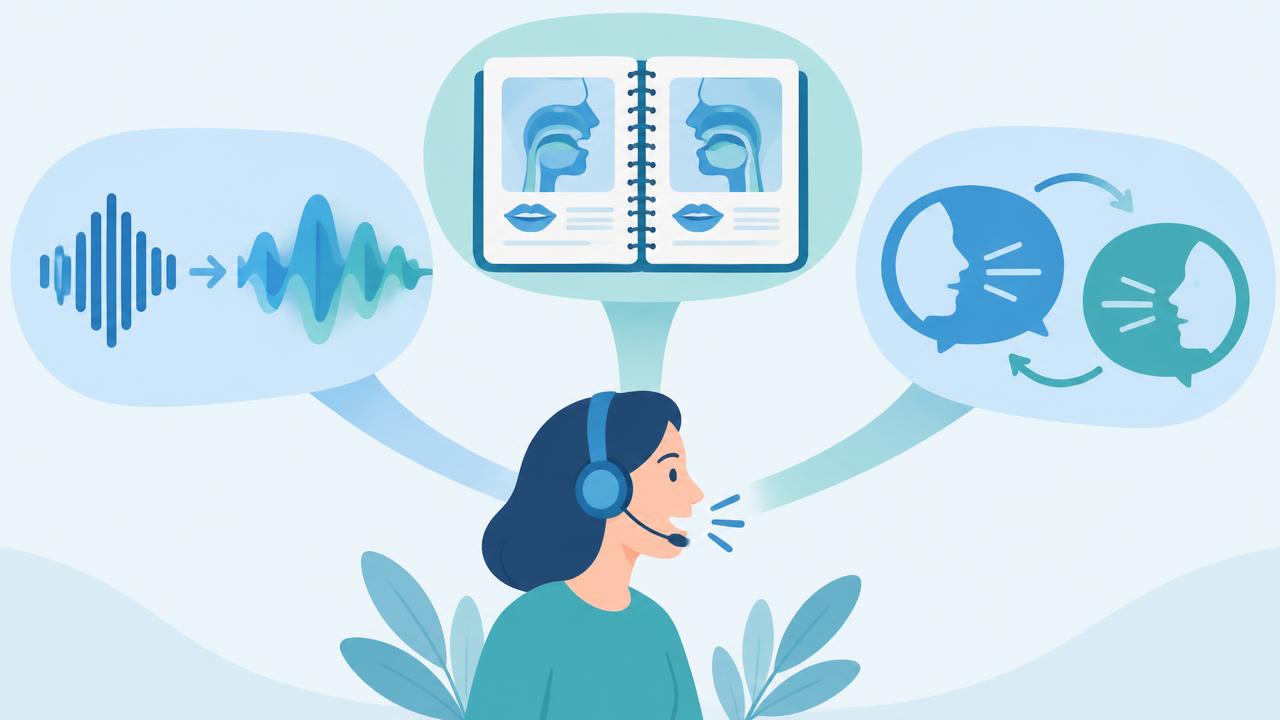
You might ask how an ai live audio translation microphone works. This device uses smart ai to hear your voice and change it to another language right away. When you talk, the microphone listens and sends your words to a safe cloud system. The ai changes your speech and gives you instant voice translation in the language you pick. You get sound and captions, so everyone can keep up.
Here is a simple way to see how live speech translation works:
| Step | Description |
|---|---|
| 1 | Gets the speaker’s voice. |
| 2 | Sends the voice to a safe cloud. |
| 3 | Changes the voice to other languages right away. |
| 4 | Gives you sound and captions as the result. |
The parts inside these microphones are very good. You get a microphone array that hears sounds from all sides. Dynamic beamforming follows speakers, and noise cancellation keeps the sound clean. The ai makes sure you get top translation with good context. Speaker diarization helps the device know who is talking, which is helpful for group speech-to-speech translation.
Tip: Many microphones can translate many languages, so you can use them with teams from anywhere.
Role in Business Meetings
You want your meetings to go well. An ai live audio translation microphone helps you talk to everyone, even if they speak different languages. You get live translation, so people can join the talk no matter what language they use. The device gives live speech translation and instant voice translation, making meetings open to all.
Here are some ways these microphones help you:
- AI-powered instant translation for quick talks.
- Supports sound, captions, subtitles, transcripts, and summaries.
- Makes teamwork easy for people in the room or online.
| Feature | Benefit |
|---|---|
| Live Two-way Translation | Lets you talk and listen in different languages with no wait. |
| High Quality | Keeps your sound clear, so everyone gets it. |
| Easy Setup | You can use it fast, even if you don’t know tech. |
| Language Access Compliance | Helps your company follow rules for language access. |
| Transcripts and Summaries | Gives you written notes for later and for understanding. |
You save time and money because you do not need human interpreters. The ai gives you steady results and works all the time. With support for many languages, you can have meetings with people from everywhere. Live translation makes your business meetings better and helps everyone feel part of the team.
Real-Time Communication Benefits
Multilingual Team Collaboration
You work with people from many places. Sometimes, you join meetings with teams who speak other languages. An ai live audio translation microphone helps you talk to everyone. You hear translations right away, so you do not have to wait. This helps everyone join the talk.
Here’s how these microphones help your team:
- You speak your own language and still understand others.
- You see captions and hear voice translation at the same time.
- You do not need to stop for interpreters.
- You feel included and can share your ideas.
| Evidence Description |
|---|
| AI microphones give instant translation, so people can talk in their own language without waiting. |
| The technology gives both voice and caption translations, making meetings open to all. |
| It removes language problems, so working with teams from other countries is easier. |
| People can talk without stopping for interpreters, so talks feel natural. |
| Good translations make sure every team member is heard, helping teamwork and unity. |
You see more people joining and sharing ideas. Real-time translation helps your team feel close. You get better teamwork and stronger results.
Tip: AI microphones help people in global business work together, even if they speak different languages.
Productivity in Business Meetings
You want your meetings to be quick and clear. Real-time talking helps you focus on what matters. When you use an ai live audio translation microphone, you do not waste time taking notes or waiting for translations. You get speech-to-text right away, so every word is saved.
| Evidence Description | Impact on Productivity |
|---|---|
| Real-time speech-to-text saves every word spoken | People can share ideas, so talks are more useful. |
| Automatic notes mean no one has to write things down | Workers save hours and can do more important jobs. |
| Multilingual features help teams talk easily | Teams can talk naturally, so work gets done faster. |
- Automatic translation is up to 90% correct.
- Better talking helps people make good choices.
- You save time and finish more work.
| Benefit | Percentage |
|---|---|
| More people feel included | 65% |
| People can focus on the meeting | 60% |
| People understand information better | 57% |
| More people join in | 52% |
You see more people joining meetings and sharing ideas. Workers feel safe and can say what they think. Real-time translation helps everyone understand and work together. Your meetings get better and include everyone.
Top Microphones Reviewed
Picking a microphone for meetings can be hard. You want clear sound and fast translation. It should work with your favorite meeting apps. Let’s check out the best microphones and see what makes them special.
Transync AI
Transync AI is great for fast and correct translation. It supports 60 languages for real-time voice translation. You get meeting summaries made by AI and it knows who is talking. This helps you remember who said what. You can use it for online or in-person meetings.
| Feature | Details |
|---|---|
| Supported Languages | 60 (bidirectional, real-time) |
| Accuracy Rate | 92-95% |
| Delay | Less than 0.5 seconds |
- Real-time two-way voice translation
- AI meeting summaries
- Speaker identification
- Works for online and in-person meetings
- Good for travel and daily use
Transync AI works with all popular video meeting platforms. It gives almost no delay and shows translation on two screens. The microphone knows who is talking and translates their words. Teams that need quick and reliable translation will like this device.
Vasco V4
If you travel or work with global teams, Vasco V4 is easy to use. It comes ready to use and has a SIM card inside. You get free and unlimited connection for life in almost 200 countries. There are no extra costs or limits.
| Feature | Details |
|---|---|
| Connectivity | Free and unlimited for life |
| Price | $399.99 |
| Pre-installed SIM card | Yes |
| Additional costs | None |
| Data limits | None |
| Coverage | Nearly 200 countries |
| Ready to use | Yes, out of the box |
- AI-powered translation
- Easy to use
- Free lifetime connection
Vasco V4 is good for people who travel or work in global offices. You can use it in airports, taxis, hotels, or while studying abroad. The microphone helps you talk and understand in new places.
Timekettle WT2 Edge/W3
Timekettle WT2 Edge/W3 is smart for group meetings. It supports over 40 languages and 93 accents. You get two-way translation with a delay of 0.5 to 3 seconds. It works best for small teams who want to talk easily.
- Supports over 40 languages
- Recognizes 93 accents
- Fast translation: 0.5 to 1.5 seconds
- Two-way translation: 0.5-3 seconds delay
Users say it is up to 95% accurate in meetings. Sometimes there is a small delay, especially in fast talks. Still, it helps teams talk smoothly and keeps everyone included.
Interprefy AI
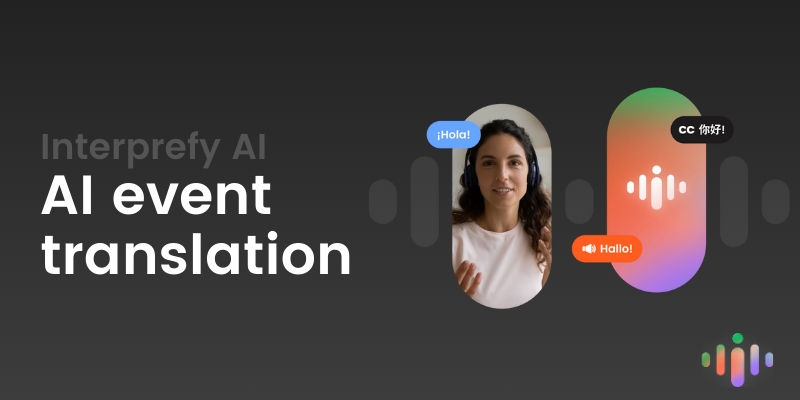
Interprefy AI is made for big events and conferences. You get real-time translation for many languages. Everyone can join, no matter what language they speak. You can add special words for your industry. Choose one-way or two-way translation for your meeting style.
| Feature | Description |
|---|---|
| Real-time multilingual communication | Fast translation for global events (online, onsite, or hybrid) |
| Custom vocabulary | Knows special words for better accuracy |
| One-way and two-way translation | Fits different meeting types |
| Natural-sounding AI voices | Voices have accents to match your event |
Interprefy AI is good for big conferences and events. You can make meetings feel personal with voices that sound natural.
DeepL Voice
DeepL Voice is strong if you want high-quality translation and many languages. It works with Zoom, Microsoft Teams, iOS, and Android. You get captions in 35 languages, so everyone can follow along.
DeepL Voice helps you connect with teams everywhere. Use it for meetings, talks, or events. The microphone gives clear sound and good translation, so everyone understands.
JotMe
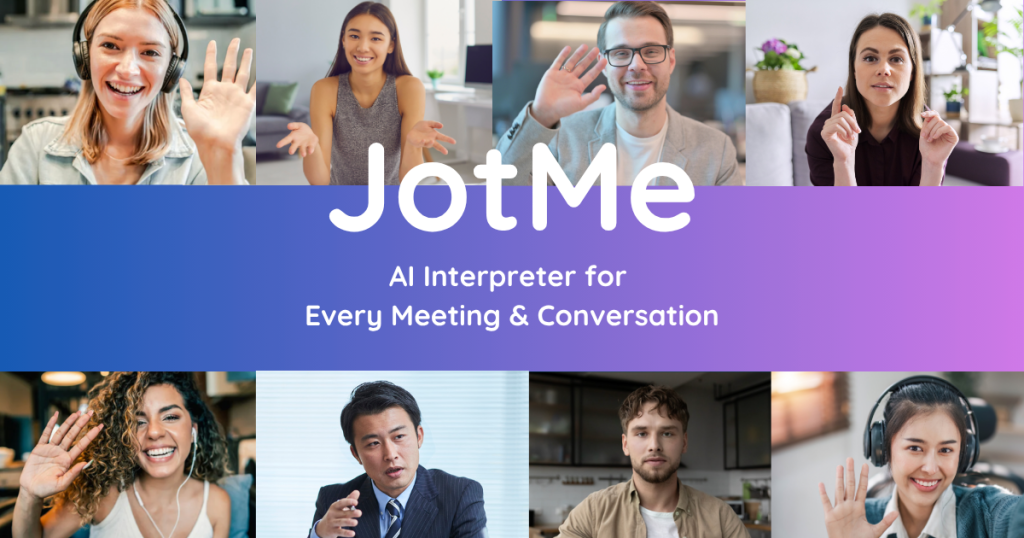
JotMe is flexible for live translation and meeting notes. You can choose from different plans, like free trial, PRO, PREMIUM, or ENTERPRISE. It supports live translation in 77 languages and saves transcripts in your dashboard.
| Plan Type | Price | Monthly Translation | AI Credits | Additional Features |
|---|---|---|---|---|
| Free Trial | $0/mo | 20 minutes | 5 | Unlimited transcription |
| PRO | $7/mo | 200 minutes | 20 | Advanced settings, 24-hour customer support |
| PREMIUM | $12/mo | 500 minutes | 50 | Advanced settings, 12-hour customer support |
| ENTERPRISE | Custom | Custom | Custom | Priority customer support |
- Live translation in 77 languages
- Live meeting transcription
- Transcript storage in dashboard
- AI meeting notes
- Multilingual support
JotMe is good for project managers, sales, consultants, engineers, and freelancers. Use it to translate and summarize meetings, capture key points, and clear up project details in real-time.
Wordly AI
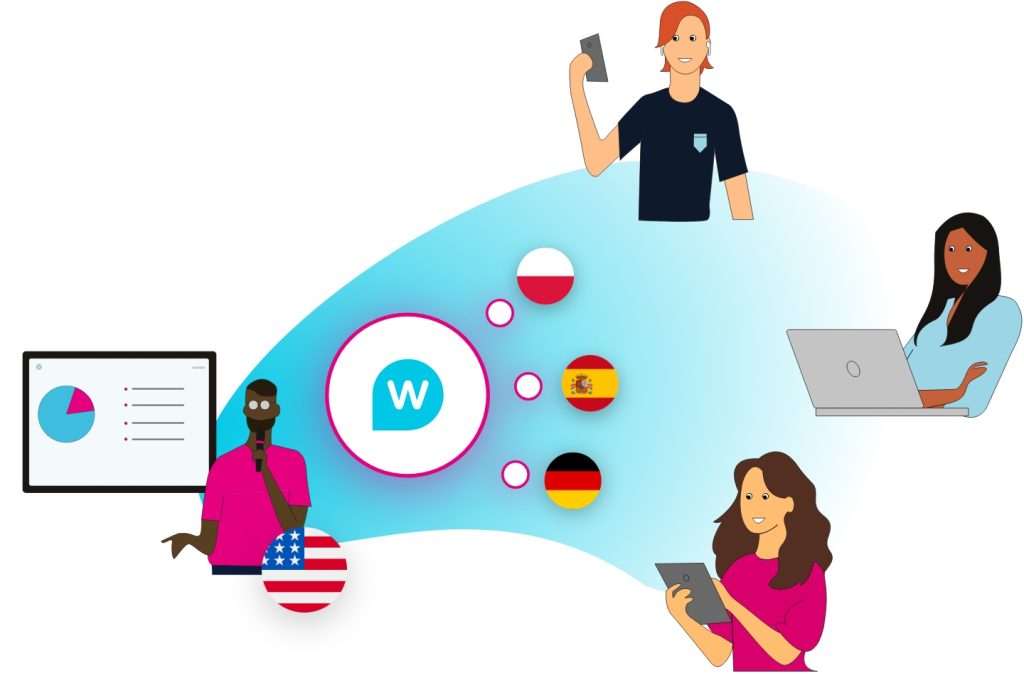
Wordly AI is a top choice for big meetings and conferences. It offers high accuracy and supports many languages for translators and attendees. You can use it with Zoom, Microsoft Teams, Webex, and other platforms.
| Language Type | Languages Offered |
|---|---|
| Translator | Spanish (ES), Spanish (MX), Swedish, Tagalog, Thai, Turkish, Ukrainian, Urdu, Vietnamese, Welsh |
| Attendee | Afrikaans, Albanian, Arabic, Armenian, Bengali, Bosnian, Bulgarian, Cantonese, Catalan, Chinese (Simplified), Chinese (Traditional), Croatian, Czech, Danish, Dutch, English (AU), English (US), English (UK), Estonian, Finnish, French (CA), French (FR), Georgian, German, Greek, Gujarati, Haitian Creole, Hebrew, Hindi, Hungarian, Icelandic, Indonesian (Bahasa), Irish, Italian, Japanese, Kannada, Korean, Lao, Latvian, Lithuanian, Macedonian, Malay, Maltese, Norwegian, Persian, Polish, Portuguese (BR), Portuguese (PT), Punjabi, Romanian, Russian, Serbian, Slovak, Slovenian, Spanish (ES), Spanish (MX), Swahili, Swedish, Tagalog, Tamil, Thai, Turkish, Ukrainian, Urdu, Vietnamese, Welsh, Zulu |
| Accuracy | High accuracy standards through in-house testing and customer feedback |
- Works with Zoom, Microsoft Teams, Webex, and more
Wordly AI is perfect for big events with many languages and users. The microphone keeps translation correct and lets everyone join, no matter where they are.
Tip: If you want a microphone for small meetings and big conferences, Wordly AI gives you flexibility and strong language support.
You have lots of choices for ai live audio translation microphones. Each device has special features, like real-time translation and meeting summaries. Think about what your team needs, what languages you use, and how big your meetings are. With the right microphone, every meeting can be clear, fair, and productive.
Choosing the Right Microphone for Business Meetings
Assessing Needs
You want your meetings to go well. First, look at your meeting space. Make sure your internet is strong. Good tech support helps too. Think about what you will talk about. If your meeting is about private things, pick a microphone that does safe translation. Some jobs, like healthcare or law, need extra security. Check if your device follows rules like HIPAA. Decide if your meeting is small or very big. The best ai live audio translation microphone depends on these things.
- Check your internet and tech setup.
- Decide if you need high accuracy or cultural sensitivity.
- Make sure your device follows security rules.
- Think about the size and importance of your event.
Matching Features
Pick a microphone that fits your meeting. Some microphones work better in big rooms. Boundary microphones hear voices from all over a boardroom. Ceiling microphones are good for medium rooms and catch sound from every side. Lectern microphones are for one speaker at a podium. See the table below to compare choices:
| Microphone Type | Application | Key Features |
|---|---|---|
| Lectern Microphone | Speaker at a podium | Unidirectional, clear voice, dynamic or condenser |
| Ceiling Microphone | Boardroom voice lift | Directional, focuses on group talkers |
| Boundary Microphone | Multi-use, group settings | Low-profile, captures many voices, budget-friendly |
Think about where sounds come from in your room. Pick a microphone that blocks noise. Make sure the frequency response matches your needs. This helps your translation stay clear.
- Review sound sources in your room.
- Choose microphones that block background noise.
- Match frequency response to your needs.
Budget & Compatibility
You want a good deal for your team. Most ai translation microphones cost $5,000 to $20,000 to start. Monthly fees are $200 to $1,000. Make sure your microphone works with popular meeting apps. Look for SDKs or plugins to make setup easy. Flexible streaming helps your meetings run better. You might want to change translation features.
- Check if your device supports your favorite platforms.
- Look for easy integration and developer support.
- Review supported languages and dialects.
- Make sure your device meets security and compliance needs.
Tip: Always check your budget and compatibility before you buy. This helps you get the best real-time translation for your meetings.
You have many choices for your next business meeting. If you want a simple setup for small rooms, try Transync AI or Vasco V4. For big conferences, Wordly AI and Interprefy AI work best. You get real-time translation and live captions, so everyone can join in. Before you buy an ai live audio translation microphone, think about your team’s needs. Want more help? Reach out to an expert or do more research.
FAQs
How do you set up an AI live audio translation microphone?
You just plug the microphone into your device. Most models connect by USB or Bluetooth. Follow the app instructions. Pick your languages. Start your meeting. You get instant translation.
Can you use these microphones with Zoom or Teams?
Yes, you can. Most AI microphones work with Zoom, Microsoft Teams, and other meeting apps. You just connect the microphone and select it as your audio source. You get live translation during your calls.
How accurate is the translation?
You get about 90% to 95% accuracy with top models. The AI learns from your speech and improves over time. You can trust the translation for business talks and team meetings.
Do you need an internet connection?
Most microphones need internet for real-time translation. Some models offer offline support for basic languages. For best results, use a strong Wi-Fi or mobile data connection.
What languages can you translate?
You can translate over 40 to 77 languages, depending on the microphone. Popular choices include English, Spanish, Chinese, Japanese, Korean, and French. Check your device for the full list.

Sound clearer on your next call
Utell AI converts your accent and cleans up background noise in real time.


