


Home›Blog›A Pre-Shift Accent Check for Holiday Support Agents
WorkplaceA Pre-Shift Accent Check for Holiday Support Agents
Contents
- 1.Why a Peak-Season Shift Needs a Clarity Check, Not a Score
- 2.A 10-Minute Pre-Shift Routine
- 3.A Worked Example: One Agent, Three Mornings
- 4.What a Detector Result Can and Cannot Tell a Supervisor
- 5.Privacy: Never Upload Customer or Family Audio
- 6.After a Noisy or Remote Shift, Re-Check the Setup, Not the Label
- 7.How This Sits Next to Training, Conversion and Noise Suppression
- 8.Limits of This Guide
- 9.FAQ

Peak season puts new and returning agents on the phone fast, often with less coaching time than a normal month. A short pre-shift accent check can help, but only if it is treated as a setup and clarity check, not a score. This guide gives holiday support agents and their supervisors a 10-minute routine, explains what a detector result can and cannot say, and sets clear privacy rules.
The scale is real. NRF expects US retailers to hire between 325,000 and 375,000 seasonal workers for the 2026 holidays, according to its Winter Holiday FAQs. Concentrix notes that contact volume during peak events often reaches two to three times normal levels, with more order-status, delivery and payment questions (Concentrix). This guide does not claim that a pre-shift check changes handle time, satisfaction or first-contact resolution. It is a checklist, not a result.
Why a Peak-Season Shift Needs a Clarity Check, Not a Score
A holiday shift is heavy on details callers must hear exactly: order numbers, tracking codes, refund amounts and promo codes. The useful question before you log in is simple: will a caller hear what I say on this headset, in this room, today? That is a clarity question. An accent label answers a different one.
Scores create the wrong habit. An agent who sees "72% American" may spend the morning chasing a higher number instead of fixing a loose mic or a noisy fan. Supervisors may also read a label as a quality grade. Both readings miss the point of the check.
Rule for this guide: the check tells you whether your setup and delivery are ready. It never tells anyone whether you are a good agent.
A 10-Minute Pre-Shift Routine
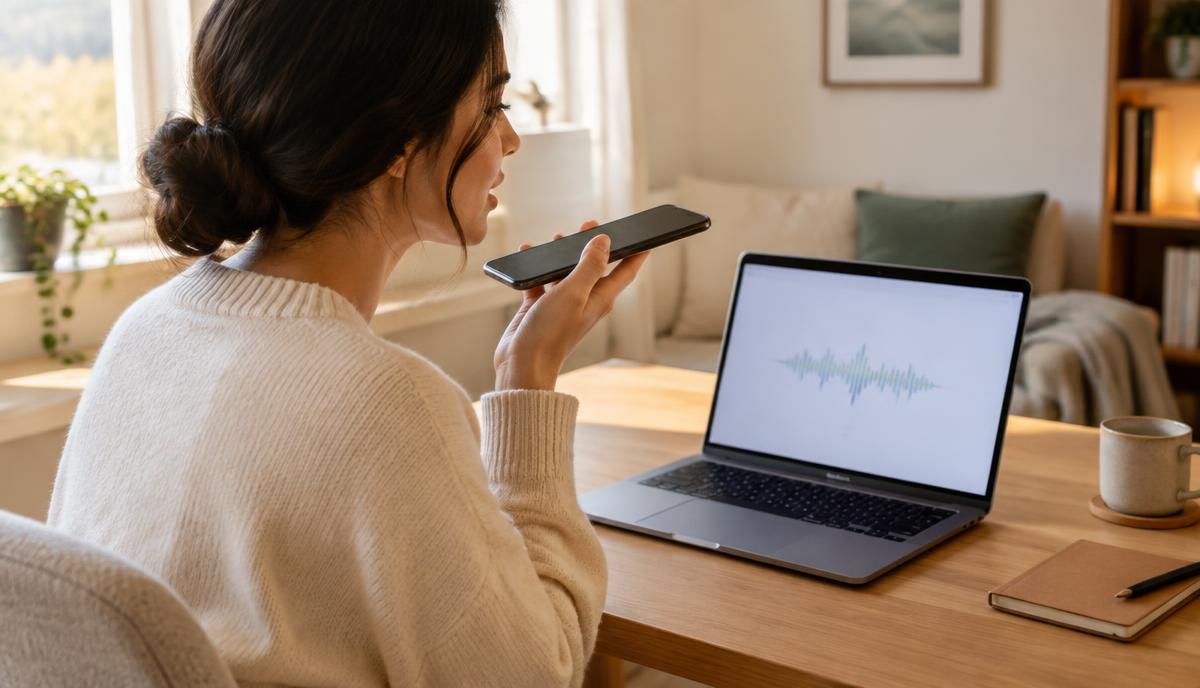
Run this at your desk with the same headset and app you will use on calls. Keep it the same every day so changes mean something.
Minutes 1–3: record a short, clean sample
- Close the window, mute notifications and move away from fans.
- Record 30–45 seconds of a neutral script, such as reading a sample order confirmation aloud.
- Play it back once with headphones. Listen for hiss, clipping or room echo before anything else.
Our step-by-step guide on how to record a clear voice sample for an accent test covers mic distance, levels and common failures in more detail.
Minutes 4–5: run one check and note the result
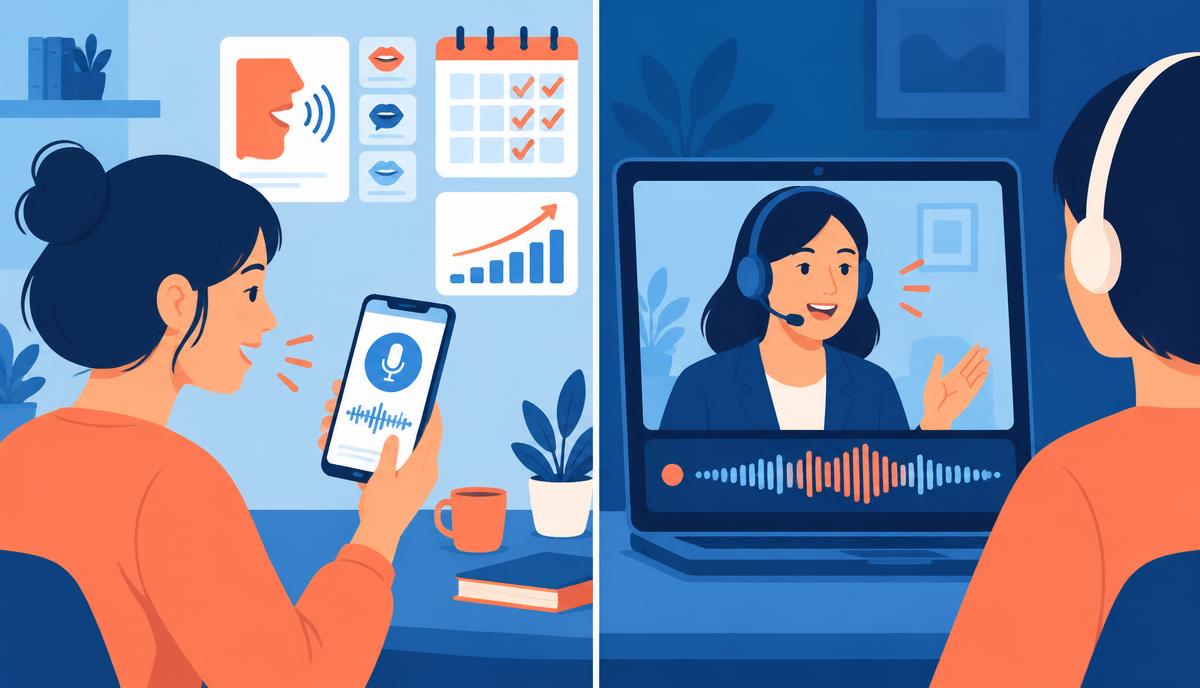
Upload the same sample to a detector such as Utell's Accent Oracle. Write down only two things: whether the result looks similar to your usual one, and whether the tool flagged audio problems. Do not rerun it to "improve" the label.
Minutes 6–10: run a peak-season number drill
Read these aloud, then play them back:
| Item | Example to say | What to listen for |
|---|---|---|
| Order number | "Order 4-0-7-1-9-3, that's four, zero, seven…" | Grouped digits, clear zero vs "oh" |
| Teen vs ty | "Fifteen dollars, one-five." | Stress on "-teen"; spelled-out backup |
| Percentage | "Thirty percent off, three-zero." | Final "t" and the confirming digits |
| Promo code | "H as in hotel, 2, B as in bravo…" | Letters that blur: B/D/P, M/N, F/S |
| Refund amount | "Forty-nine ninety-nine, four-nine point nine-nine." | Price said two ways |
For more number pairs and confirmation lines, see our thirteen-or-thirty listening and speaking guide and the read-back scripts in names, numbers and prices on support calls.
A Worked Example: One Agent, Three Mornings
Here is an illustrative example, not a real case. Lina is a seasonal agent working from home during Cyber Week. She runs the same routine every morning before logging in.
| Day | What she noticed | What she changed | Outcome of the re-check |
|---|---|---|---|
| Monday | Playback clear; label similar to her usual one | Nothing | Started the shift |
| Tuesday | Hiss on playback; label shifted; tool flagged noise | Moved the heater away and reselected her headset mic | Hiss gone; label back near usual |
| Wednesday | "Fifteen" sounded like "fifty" in the drill | Added the digit read-back "one-five" | Both versions clear on playback |
Notice what Lina did not do. She did not rerun the detector until she liked the label, and her supervisor never saw the label at all. The routine caught one setup problem and one delivery habit, and each fix took only a few minutes. Your own week may look different, which is the point of keeping notes.
A simple notes template helps: date, device, room, playback clear (yes/no), noise flag (yes/no), drill items that slipped, and one change made. Three or four weeks of notes show patterns far better than any single result.
What a Detector Result Can and Cannot Tell a Supervisor
A supervisor can use the routine to spot setup problems early. A sudden change in result, with a flagged noise warning, usually points to a headset, room or connection issue. That is worth fixing before the queue opens.
| A result can suggest | A result cannot show |
|---|---|
| The recording was noisy, clipped or too short | Whether the agent is skilled or ready for the queue |
| Today's setup sounds different from yesterday's | English proficiency or comprehension |
| Which speech patterns the model picked up in this sample | Nationality, identity or where someone grew up |
Do not use detector results to make hiring, scheduling or performance decisions. They are not built for that, and an accent is not a skill problem. If you need to judge language ability, that is a different test; our comparison of accent tests and English proficiency tests explains why. For why the same voice can get different labels, read why an AI accent detector gives different results.
Privacy: Never Upload Customer or Family Audio
The sample should be your own voice reading a script you control. Holiday shifts make shortcuts tempting, but these rules hold every day:
- Never upload call recordings. They contain customer names, addresses and payment details.
- Never record family or roommates, even in the background. Re-record if someone speaks.
- Use a script with fake details, not a real order from today's queue.
- Check the tool's current privacy policy on the day you start, and follow your employer's data rules first.
- Keep the check voluntary if you are a supervisor, and do not store agents' samples in shared folders.
After a Noisy or Remote Shift, Re-Check the Setup, Not the Label
Remote agents often see their result shift after a change of room, a new headset or a long day. Before thinking about your accent, work through the setup first.
- Same headset and same input selected in the app?
- Any new noise source: heater, open window, a second device playing audio?
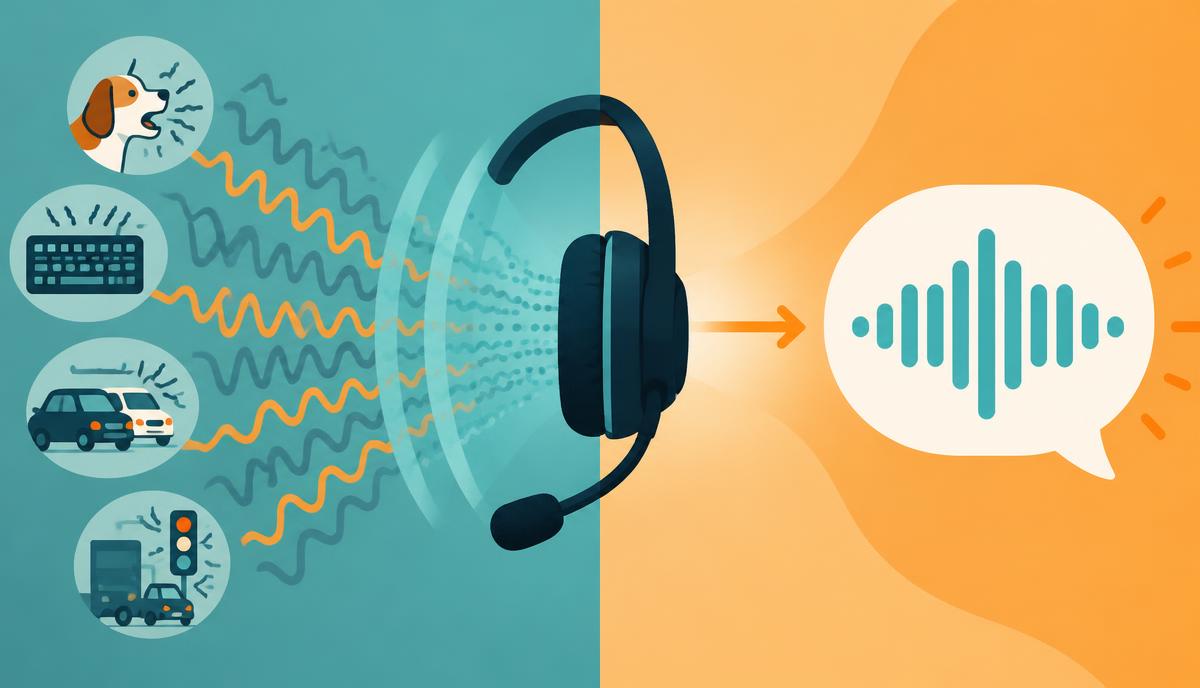
- Is noise suppression switched on in more than one app at once? Stacked filters can make speech sound thin.
- Is your voice tired? A hoarse voice after an eight-hour shift is normal. Rest, then test again tomorrow.
Change one thing, record again, and compare. If the result returns to normal, the setup was the cause. Our English accent voice test guide explains how to read results over several days.
How This Sits Next to Training, Conversion and Noise Suppression
A pre-shift check is a diagnostic. It tells you what to fix, but it does not fix anything on its own. The right next step depends on what the check found.
| What the check found | Sensible next step |
|---|---|
| Background noise or echo | Fix the room or headset first; use one noise suppression tool, not several |
| Numbers or codes misheard on playback | Number drills and read-back scripts |
| Long-term goal of changing pronunciation | Accent training or coaching over weeks |
| Need for a consistent accent on live calls now | A real-time option such as accent conversion, tested on your own queue |
Many teams combine these. Training builds skill over time, while noise suppression and accent conversion work during the call. None of them removes the need to read back key details.
Limits of This Guide
- We have not measured this routine on a live queue, so we make no claims about handle time, satisfaction or resolution rates.
- Detector models differ, and results vary with recording conditions. We do not quote accuracy figures.
- The drill uses US-style numbers and prices. Adjust it for other markets and currencies.
- Seasonal hiring and contact volume figures come from the linked sources, as of November 2026.
If you want to try real-time accent conversion and noise cancellation on your own setup, you can start with Utell AI and test it before a shift.
FAQ
Should supervisors require agents to take an accent check?
It works better as an optional self-check. Making it mandatory invites people to treat the label as a grade, which it is not. If a team adopts it, frame it as a headset and room check, let agents keep their own results, and never link the output to schedules, reviews or bonuses.
How long should the voice sample be?
Around 30 to 45 seconds is usually enough for a stable comparison. Very short clips give the model little to work with, and very long ones add more chances for noise. Keep the length and script the same each day, so differences reflect your setup rather than the sample.
Can I run the check on my phone during a break?
You can, but the result describes the phone microphone, not your call headset. For a useful pre-shift check, record through the same device and app you use for calls. If you only have a phone, use it consistently and compare phone results only with earlier phone results.
What if my result is very different from yesterday?
Start with the setup: microphone selection, distance, room noise and whether filters are stacked. A tired voice also changes the output. Re-record once after fixing one thing. If the difference stays but playback sounds clear, ignore the label and focus on whether callers hear your numbers correctly.

Sound clearer on your next call
Utell AI converts your accent and cleans up background noise in real time.


